


Showroom Machine
Toyoda
Imprimante UV à plat Toyoda Falcon (modèle d'exposition)
Imprimante UV à plat Toyoda Falcon (modèle d'exposition) - 61 cm x 91,4 cm
SKU:
Situé au bureau de Toronto. L'expédition est en supplément.
Machine de démonstration. Garantie de 90 jours.
L'imprimante UV à plat Toyoda (modèle de démonstration) est une solution à plat compacte et haute performance conçue pour une impression directe sur substrat vibrante et haute résolution.
Conçue pour les imprimeries, les entreprises de produits promotionnels, les fabricants d'enseignes et les décorateurs personnalisés, cette machine offre une sortie UV professionnelle sur une large gamme de matériaux rigides et spécialisés, le tout dans un encombrement réduit.
Cette unité de démonstration offre une valeur exceptionnelle aux entreprises souhaitant se lancer dans la production UV à plat sans le coût d'achat d'un équipement neuf.


Souvent achetés avec
-
Encre rigide RB Vibra UV/UV DTF
RIGID-VIBRA-UV-WPrix habituel Du $130.00 CADPrix habituelPrix unitaire par -
Vernis Transparent Rigide UV/UV DTF RB Vibra
RIGID-VIBRA-UV-VPrix habituel $120.00 CADPrix habituelPrix unitaire par -
RB Vibra UV/UV DTF Solution de Nettoyage Rigide
RIGID-VIBRA-UV-CSPrix habituel $65.00 CADPrix habituelPrix unitaire par -
Liquide Hydratant Tête Transparente RB Vibra UV DTF
RB-VIBRA-DTF-TMLPrix habituel $20.00 CADPrix habituelPrix unitaire par -
Film RB Onyx UV DTF (pour impression en rouleau)
ONYX-UV-R16Prix habituel Du $290.00 CADPrix habituelPrix unitaire par


Features
- White Ink Automatic Circulation
Minimize clogs within the Epson print heads and greatly extend print head lifetime. - Two Adjustable UV Lamps for Fast Curing
Adapt to different printing speeds and printing materials. - Flexi RIP Software
The printer comes equipped with Flexi RIP software which integrates image resizing, RIP functions and printing operations all together. - Superior Printing Experience
The machine is designed with openable left and right side doors, allowing you to check and do maintenance more conveniently. - Colour that Lasts
Enhance prints with long-lasting RB Vibra UV DTF ink. Pigments won't evaporate like solvents, ensuring vibrant images for years to come. Choose RB Vibra for exceptional, durable printing results. - Durability
UV inks provide higher durability and increased resistance to scratches, smudging, and other factors that can affect print quality over time, resulting in longer-lasting and vibrant images. - Versatility
UV inks work on various surfaces including PET and polyurethane, unlike traditional inks which require absorption into substrates for printing. - Print on Thicker Materials
With support for objects up to 7" tall, you can produce thicker products like awards, packaging, and specialty promotional items — unlocking greater versatility and higher-margin opportunities.
Applications
-
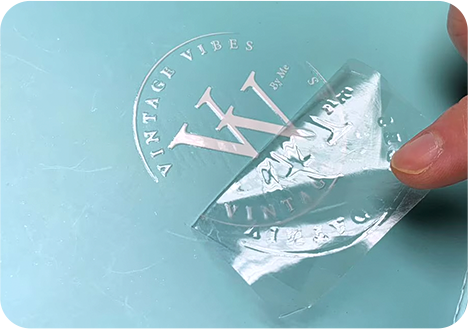
Plastic -
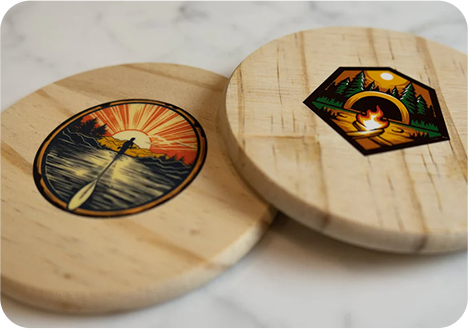
Wood -

Ceramic -
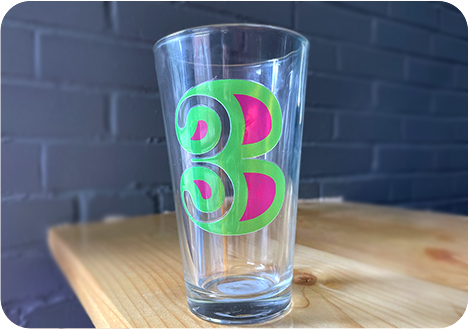
Glass -
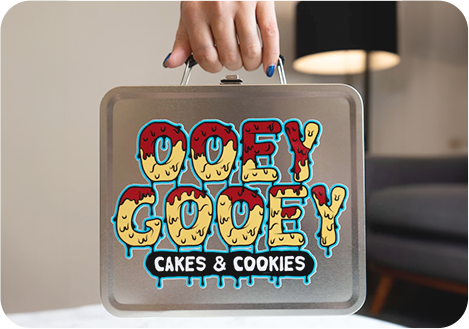
Metal -
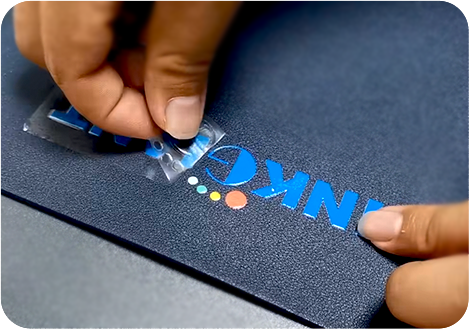
Leather
Additional Information
Printing Steps
1. The design is loaded into the software, and optimized for high resolution (300 dpi or better). It includes a transparency layer to ensure seamless integration with any background and crisp edges that guarantee no blushing or blurring occurs on the edges, maintaining the design's sharpness and clarity.
2. The Rip software works seamlessly to separate colors into individual layers and channels, carefully determining the precise amount of ink to allocate to each channel of the print head. This meticulous color separation process ensures accurate color reproduction and vibrant prints that capture every detail.
3. In order to maximize the usable area of the adhesive roll for printing, the software efficiently organizes multiple designs. By strategically arranging the designs, it minimizes waste and maximizes efficiency, resulting in a more cost-effective and streamlined production process.
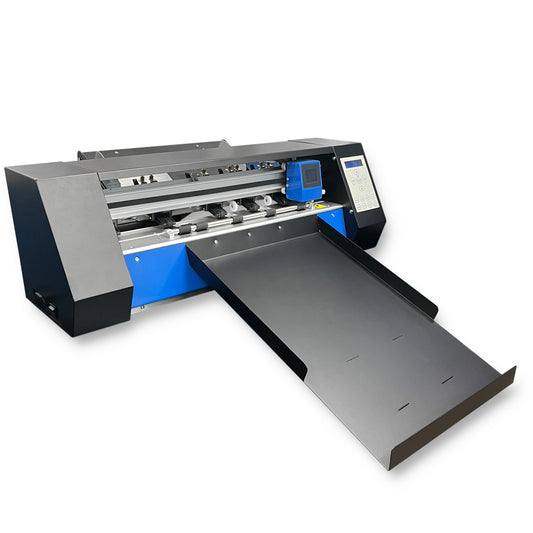
*Note: If you will be utilizing the Toyoda Falcon Cutter, you are also able to arrange the artwork into 12" artboards so that you can feed these into the cutter and get them automatically cut after printing. These artboards will have registration marks on each corner so that the cutter can detect its parameters and cut to precision.
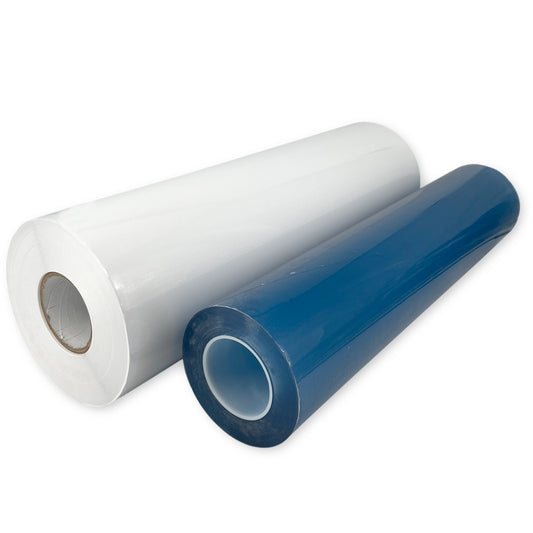
4. The designs are meticulously printed in layers on the adhesive "A" roll, starting with a solid white base. This base layer acts as a foundation, ensuring that the subsequent colors appear vivid and true to the original design. Each color is carefully applied, ensuring precise registration and vibrant hues. Lastly, a layer of varnish is added, providing a protective and glossy finish that enhances the overall visual appeal.
5. To ensure a secure and durable bond between the ink and adhesive, the printed stickers, decals, or logos are subjected to the power of UV lamps. These lamps emit ultraviolet light that cures the ink almost instantly, penetrating through the varnish and ink layers. This curing process creates a strong and resilient bond, ensuring that the design remains intact even under harsh conditions.
6. In the final step, the finished stickers, decals, or logos pass through an on-board laminator. This process adds an additional layer of protection and durability to the UV DTF transfers, ensuring that they are ready for application and capable of withstanding the test of time.
Cutting Steps
1. If you opted to complete "Step 3" and set up a 12" artboard around your artwork, simply manually cut out these artboards from your printed roll.
2. Load the 12" sheet that you cut on to the top paper tray of the Toyoda Falcon Cutter. The cutter will detect the registration marks around your 12" sheet and cut out each sticker on this sheet into individual squares.
| Printhead Specifications | |
|---|---|
| Model | I3200 |
| Compatible Ink | UV Ink |
| Dimensions (W × D × H) | 69.1 mm × 59.4 mm × 35.6 mm |
| Weight | 60 g |
| Nozzle Count | 1600 |
| Nozzle Spacing | 1/300 inch |
| Nozzle Rows | 4 Rows |
| Max Colors per Head | 4 Colors |
| Resolution | 300 dpi / row 600 dpi / 2 rows |
| Effective Print Width | 33.8 mm |
| Droplet Performance | Binary: 5 pl (43.2 kHz) 3-Level Grayscale: 6, 12.5 pl (21.6 kHz) 4-Level Grayscale: 3.8, 6.2, 9.3 pl (21.6 kHz) |
| Viscosity Range | 5 – 7 mPa·s |
Le Imprimante UV à plat Toyoda Falcon (modèle d'exposition) vous convient-il ?
Entrez vos informations ci-dessous et un représentant commercial RB Digital vous contactera pour ajouter le Imprimante UV à plat Toyoda Falcon (modèle d'exposition) à votre entreprise de décoration de vêtements.