


xTool
xTool O1 Omni Printer (UV, UV DTF, DTG and Direct-to-Fabric Printing in One)
xTool O1 Omni Printer (UV, UV DTF, DTG and Direct-to-Fabric Printing in One) - Single UV / Standalone
SKU:
Available for Preorder
This product is currently available for preorder, with shipping expected to begin in early November.
This xTool product qualifies for FREE STANDARD SHIPPING when purchased individually. Any special delivery requirements, such as after-hours delivery or tailgate services, will be invoiced separately. To receive free shipping, xTool items must be the only products in your cart at checkout. Additional items must be purchased separately.
Printer Configurations
- Single UV: Desktop UV printing with colour, white ink, varnish and textured effects.
- Dual UV: Dual-head UV printing for expanded material compatibility and enhanced effects.
- DT+UV: Hybrid UV, DTF and DTG printing for hard surfaces and fabrics.
Bundle Options
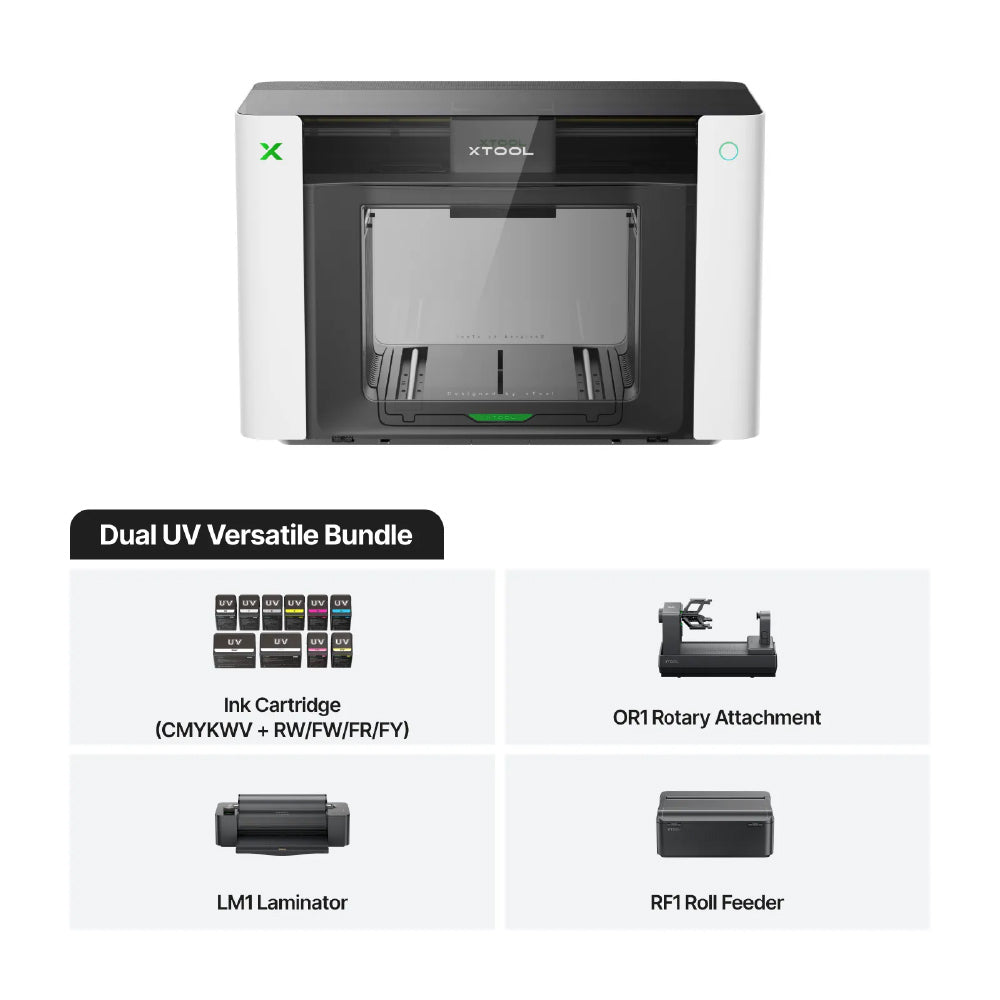
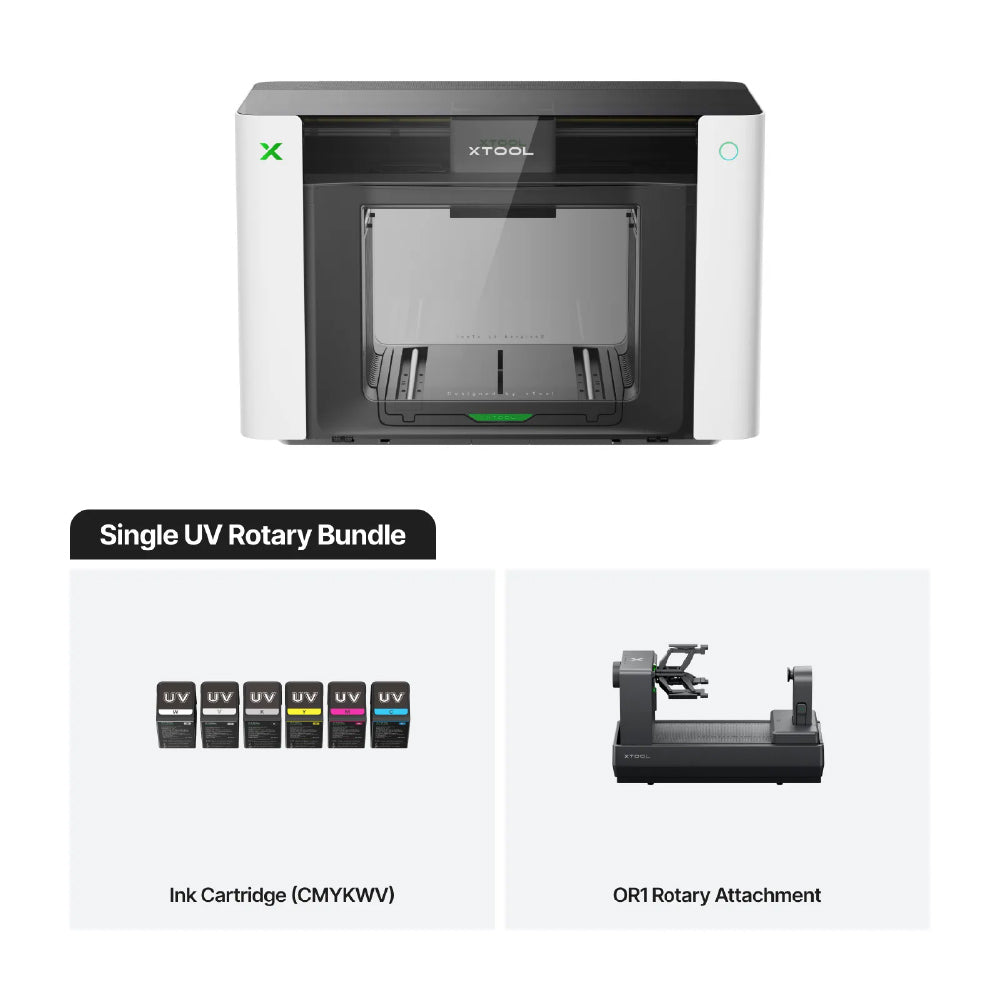
- Rotary Bundle: Adds cylindrical product printing to any configuration.
- DT+UV Versatile Bundle: Complete hybrid bundle for UV printing, DTF & DTG printing, cylindrical products, long materials, and UV DTF workflows.
The xTool Omni Printer is the world's first 4-in-1 desktop printing system, combining UV printing, UV DTF decals, Direct-to-Garment (DTG), and Direct-to-Fabric (DT Fabric) capabilities into one compact production platform. Designed for creators, small businesses, and professional print shops, the Omni opens the door to an incredible range of products without requiring multiple machines.
Print directly onto acrylic, wood, glass, metal, ceramic, leather, canvas, cotton, polyester, and more with stunning colour accuracy and exceptional detail. Beyond traditional UV printing, the Omni can produce water-resistant UV DTF decals for decorating curved and irregular objects, while advanced texture printing creates embossed effects up to 7 mm thick for premium dimensional graphics.
Powered by Epson printheads, intelligent vision positioning, automated maintenance, and xTool's intuitive software ecosystem, the Omni is built to simplify production while delivering professional-quality results. Whether you're creating personalized gifts, promotional products, apparel, signage, home décor, or premium branded merchandise, the xTool Omni gives you unmatched versatility from a single desktop machine.
Impossible de charger la disponibilité du service de retrait


Often Purchased With
-
xTool OR1 Rotary Attachment for O1 Omni Printer
XTL-P0102000243Prix habituel $549.00 CADPrix habituelPrix unitaire par -
xTool LM1 Laminator and RF1 Roll Feeder for O1 Omni Printer
XTL-P0101000605Prix habituel Du $549.00 CADPrix habituelPrix unitaire par$405.00 CADPrix soldé Du $549.00 CAD -
xTool Selected DT Fabric Ink for O1 Omni Printer
XTL-P0104001452Prix habituel Du $146.99 CADPrix habituelPrix unitaire par -
xTool Selected UV Ink for O1 Omni Printer
XTL-P0104001450Prix habituel Du $170.99 CADPrix habituelPrix unitaire par


xTool O1 Omni Printer
From Rigid to Fabric. Print It All.
-

UV PrintingPrint directly on acrylic, wood, glass, metal and more.
-

Fabric PrintingPrint on all types of apparel: tshirts, tote bags, denim, and more.
-

UV DTF DecalsPrint water-resistant decals to customize curved or irregular objects.
Built with Intelligence. Made to Print More Possibilities.
-
Reinvented Fabric Ink. Two Ways to Print & Wear
Print directly on cotton with DTG, or transfer vibrant designs with DTF. OEKO-TEX® certified ink helps your apparel stay soft, colourful, and wash-ready for 50+ washes. -
-
-
World's First Pixel-Scan™ Vision System. Place Freely. Print Precisely.
Pixel-Scan™ combines CIS imaging with full-area laser sensing to capture 1:1 object data without camera distortion. No more guesswork — designs stay precisely aligned from center to edge, making batch printing easier and more consistent. -
One-Click AI Generator: Instant Masterpieces for Everyone
Unleash your creativity with our massive library of one-click generators. Watch your designs instantly turn into stunning stained glass, realistic embroidery, or classic oil paintings. Anyone can be a master designer. -
-
-
Cup Printing Made Simple: 3D Preview, Place, Print
No more guesswork. With the rotary attachment, xTool software generates a 1:1 digital replica for 90% of tumblers and mugs, letting you preview your design on the exact cup shape before printing for easier placement and more confident results. -
Laser Meets Printer. Two Machines, One Seamless Workflow
Connect the xTool O1 and your xTool laser simultaneously in the same software. Easily split a single design—let the O1 print vibrant colors, while your laser cuts the perfect outline. No switching apps, no alignment headaches. Just endless creative possibilities. -
Reliable Prints. Lower Maintenance.
Peace of Mind.

-
Combine the Roll Feeder and Laminator to print up to 49 ft (15 m) of seamless UV DTF transfers. Easily batch-produce custom stickers, packaging labels, and branded decals at production-line efficiency.
Roll-Fed UV DTF -
With the Roll Feeder and Laminator, you can create continuous, large-format canvas art and adhesive vinyl graphics up to 39 ft (11.8 m) long for breathtaking visual displays.
Roll-Fed Vinyl & Canvas -
Use the Laminator to create brilliant gold, silver, and holographic effects on materials up to 0.3 inches (8mm) thick for high-value, eye-catching results.
Premium Foiling -
The Rotary Attachment supports over 90% of tumblers and mugs. Pair it with our 1:1 3D model preview to check your exact design placement before printing—leaving zero room for guesswork.
Rotary Printing
Every major cause of clogs. All covered.
With xTool O1 Omni Printer, we built Smart Cycle 2.0 to make maintenance more automatic, more predictable, and less stressful for everyday creators and small businesses.
-

Built Against Ink SettingWith White Ink Stirring and Active Circulation, O1 helps keep white ink moving and evenly mixed, reducing settling for smoother, more reliable printing.
-

Ready After Long IdleNot printing every day? O1’s Vacation Mode automatically switching between ink and moisturizing liquid to reduce waste and simplify maintenance.
-

4 Cleaning Modes Helps Prevent ClogsFrom routine cleaning to deeper maintenance after longer idle periods, O1 gives you the right cleaning options for different situations—so you can stay prepared and print with confidence.
-

Consistent Prints, Even in the ColdThe industrial ceramic heating module helps maintain a stable working temperature for smoother ink flow and reliable output even in colder studios or garages.
Additional Information
-
What are the main differences between the three O1 Omni editions, and which one should I choose?
UV + DT Fabric Edition: Best if you want to print almost everything. Print on rigid items like wood and acrylic, plus apparel and fabric projects like cotton and polyester, using dual print heads and specialized fabric inks.
Dual-Head UV Edition: Best for creators focused on advanced UV applications. Supports exclusive fluorescent color effects and soft white ink for printing on both rigid and flexible materials, including leather and canvas.
Single UV Edition: Best for entry-level users and hobbyists. Ideal for high-quality personalization on basic rigid materials at a more accessible price point.
-
Can I upgrade from the Single UV Edition to a Dual-Head UV or UV + DT Fabric Edition later?
No. Each edition is factory-configured with its own printhead setup and ink system. Because these components are installed during manufacturing, editions cannot be upgraded later. We recommend choosing the edition that best matches your long-term printing needs.
-
Does the UV + DT Fabric Edition support fluorescent inks and flexible white ink?
No. The UV + DT Fabric Edition uses its second printhead for textile printing (DTG/DTF). If you need fluorescent effects or flexible white ink for flexible materials like leather, the Dual-Head UV Edition is the recommended choice.
-
Can O1 work with xTool laser machines for print-then-cut or cut-then-print workflows?
Yes. O1 works seamlessly within the xTool Studio ecosystem and currently supports P3, P2, P2S, S1, M2, and M1 Ultra.
These workflows will be fully supported when your O1 Omni Printer arrives, so you can start creating right away. Support for additional xTool laser machines—including F Series models for workflows like engrave-then-print—will continue to be added.
| Specification | UV + DT Fabric Edition | Dual-Head UV Edition | Single UV Edition |
|---|---|---|---|
| Best For | Apparel & Hard Goods Printing | Advanced UV Printing & Fluorescent Colours | Entry-Level UV Personalization |
| Working Area | Standard: 13" × 4.8" Large: 13" × 16.5" DTG Platen: 11.8" × 15.4" |
Standard: 13" × 4.8" Large: 13" × 16.5" |
Standard: 13" × 4.8" Large: 13" × 16.5" |
| Print Heads | 2 × Epson F1080 | 2 × Epson F1080 | 1 × Epson F1080 |
| Print Resolution | 720 × 1440 dpi | 720 × 1440 dpi | 720 × 1440 dpi |
| Ink Configuration | UV: CMYKWVDT Fabric: CMYKWW |
CMYKWV + RW/FW/FR/FY | CMYKWV |
| Ink Capacity | 125 ml Standard 290 ml White |
125 ml Standard 290 ml White |
125 ml Standard |
| Material Compatibility | Acrylic, Wood, Metal, Cotton, Polyester & More | Acrylic, Leather, Wood, Canvas & More | Acrylic, Wood, Metal, Glass, Ceramic & More |
| Fluorescent Colours | — | ✔ | — |
| UV DTF Decals | ✔ (Laminator Required) | ✔ (Laminator Required) | ✔ (Laminator Required) |
| Maximum Embossed Height | 7 mm (0.28") | 7 mm (0.28") | 7 mm (0.28") |
| Vision System | 1440 × 1200 dpi | 1440 × 1200 dpi | 1440 × 1200 dpi |
| Positioning Accuracy | ±0.2 mm | ±0.2 mm | ±0.2 mm |
| Automated Maintenance | Auto White Ink Stirring, Circulation & Printhead Protection | Auto White Ink Stirring, Circulation & Printhead Protection | Auto White Ink Stirring, Circulation & Printhead Protection |
| Supported Software | macOS, Windows | macOS, Windows | macOS, Windows |
| Remote Management | App Remote Cleaning & Control | App Remote Cleaning & Control | App Remote Cleaning & Control |
| Machine Weight | 90.7 lbs (41.12 kg) | 90.7 lbs (41.12 kg) | 89.5 lbs (40.6 kg) |
| Machine Dimensions | 28.1" × 14.7" × 18.4" | 28.1" × 14.7" × 18.4" | 28.1" × 14.7" × 18.4" |
| Certifications | GREENGUARD, OEKO-TEX®, Non-Reprotoxic Ink | GREENGUARD, Non-Reprotoxic Ink | GREENGUARD, Non-Reprotoxic Ink |
Depot Service Only: The xTool Omni Printer is supported through our depot service program. Should your printer require warranty or non-warranty service, it must be returned to RB Digital's service facility for inspection and repair. On-site service is not available for this product.